The first step to recover the input VAT of the last 4 years is to register in IVACK.
Start by clicking HERE to find out how to sign up for IVACK!
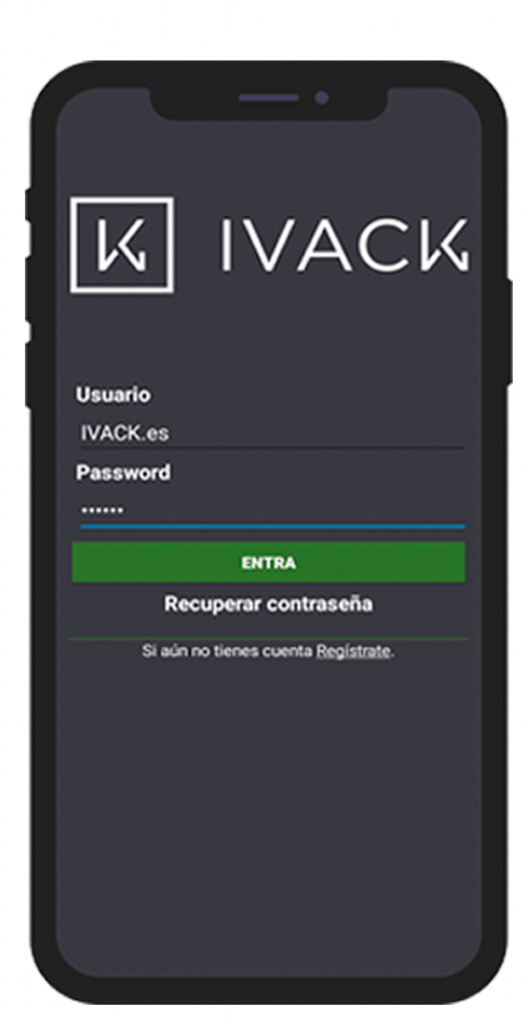
When you are register you must log in to our APP to have access to our services.
If you don’t have user, you must register through our APP.
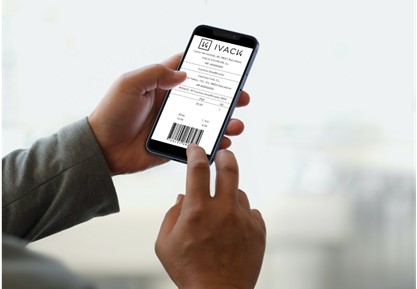
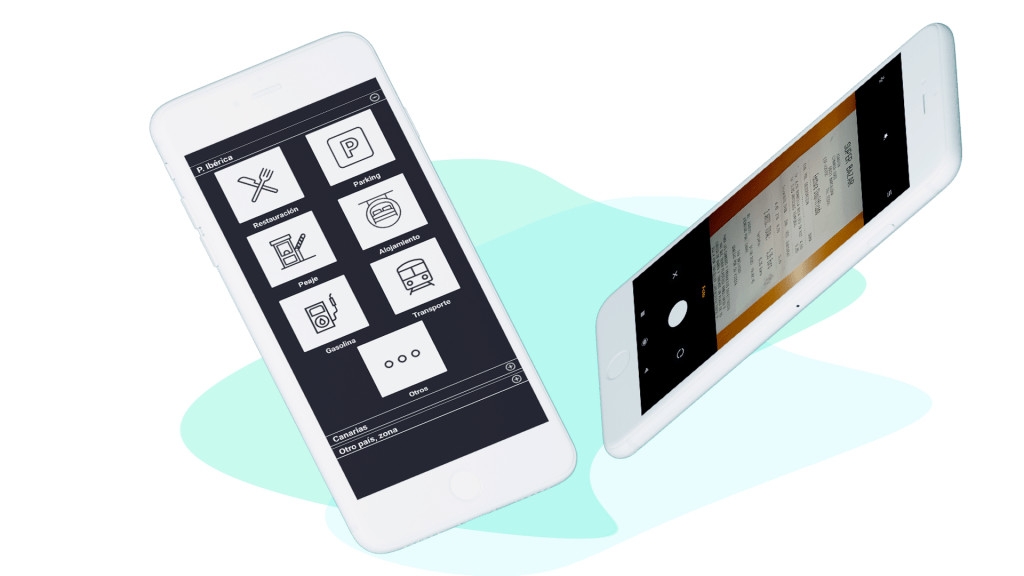
After making the expense you should upload the photo of your ticket in our APP.
Once you have the photo of your spent ticket automatically will be registeres in IVACK.
You are in the last step to recover the input VAT about the last 4 years!
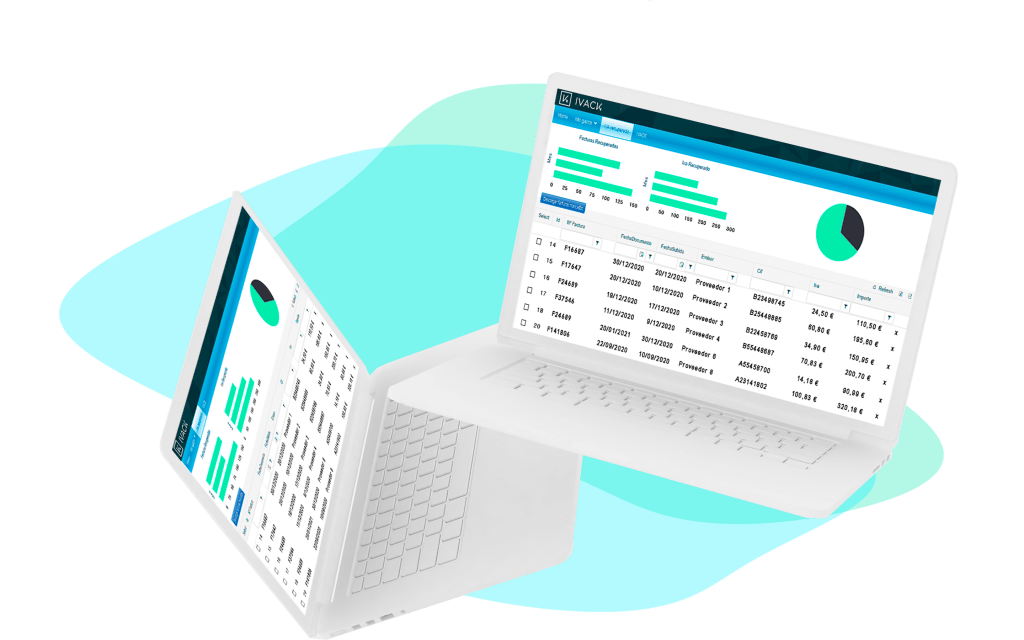
Log in to the IVACK portal and you will able to obtain the invoices of the expense tickets and have a control of your expenses.
Once you have the invoices you must perform the following steps that you will be find in this entry.
If you have doubts,
Contact with us!
The first step for recover the supported VAT of the last 4 years is register in IVACK.
Start by click HERE to find out how to sign up for IVACK!
When you are registered you must log in to our APP to have full acess to our services.
After making an expense, photograph the spending ticket directly from our APP.
One you have the photograph of the spending ticket it will automatically be registered in IVACK.
You are in the last step for recover the supported VAT of your last 4 years!
Acces to our IVACK portal and you will be able to obtain the invoices of expense tickets and have a control of your expenses.
This website uses cookies so that we can provide you with the best user experience possible. Cookie information is stored in your browser and performs functions such as recognising you when you return to our website and helping our team to understand which sections of the website you find most interesting and useful.
Strictly Necessary Cookie should be enabled at all times so that we can save your preferences for cookie settings.
This website uses Google Analytics to collect anonymous information such as the number of visitors to the site, and the most popular pages.
Keeping this cookie enabled helps us to improve our website.
More information about our Cookie Policy